![TEA with tag.svg]](https://help.theemployeeapp.com/hubfs/TEA%20with%20tag.svg)
Employees can view and manage the directory only if the account admin gives permission.
What admins can do
Admins can create a directory and contacts, and give employees either:
- Edit access: To manage the directory, create contacts, and manage contacts.
- View access: To view the directory and the contacts within it.
📒Note: Employees cannot add directories and contacts. However, they view and edit them based on the permissions.
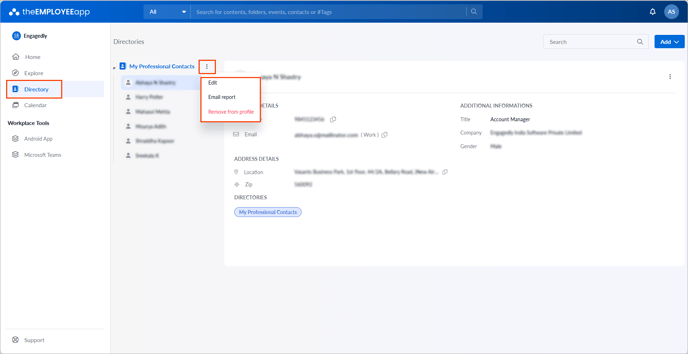
- Click the Overflow
 Menu on the right side of the directory.
📒Note: If multiple directories are shared with you and granted edit access, you must select a directory to manage it.
- Edit: Edit the title, employee permissions, and group permissions.
- Email report: Email the directory report.
- Remove from profile: Delete the directory from the app profile.